


Why Use the PlayDash Mobile App
While the PlayDash website is fully responsive, the dedicated mobile app offers several mechanical and functional advantages that elevate the user experience.
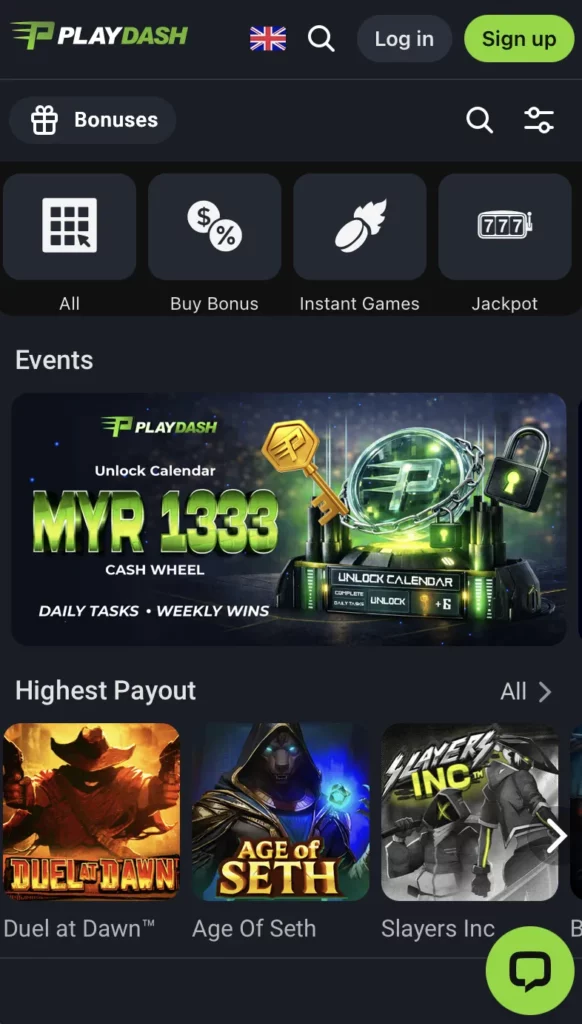
Full Access to Casino Games, Sportsbook, and Live Tables
The app serves as an all-in-one gambling terminal. Unlike some competitors who strip down their mobile offerings, PlayDash provides 100% parity between its desktop and mobile platforms.
- Sportsbook: Access over 30,000 live betting events per month.
- Casino: Play over 1,000+ slots and table games.
- Live Dealer: Stream high-definition Baccarat, Roulette, and Blackjack tables with zero lag.
Faster Performance, Notifications, and Mobile Rewards
One of the primary reasons to switch to the app is speed. Because the core interface assets (graphics, menus, and sounds) are stored locally on your device, the app loads significantly faster than a mobile browser.
- Push Notifications: Stay informed with real-time alerts. Get notified the second your bet wins, when your favorite team scores, or when a new “Flash Bonus” becomes available.
- App-Exclusive Rewards: PlayDash frequently runs “Mobile-Only” promotions, such as free spins or extra cashback for users who log in via the app.
Easy Deposits and Withdrawals via E-Wallets
The app integrates directly with your phone’s existing payment ecosystem. If you use Touch ‘n Go, GrabPay, or ShopeePay, you can complete a deposit in seconds using biometric authentication (FaceID or Fingerprint), eliminating the need to manually type in long account numbers.
PlayDash APK Download for Android
Since the Google Play Store has restrictive policies regarding real-money gambling apps in certain regions, the most reliable way to install the app is via the official PlayDash APK.
Step-by-Step Guide to Install the APK
Installing the app is a straightforward process that takes less than three minutes. Follow these steps to ensure a safe installation:
- Visit the Official Site: Open your mobile browser and navigate to the PlayDash homepage.
- Locate the Download Link: Click on the “Mobile” or “Download” icon.
- Allow Unknown Sources: Go to your Android Settings > Security and toggle on “Install from Unknown Sources.” This allows the installation of apps from outside the Play Store.
- Download the APK: Tap the “Download for Android” button.
- Install & Launch: Once the download is complete, tap the file in your notification bar and click “Install.” Open the app and log in.
App Size, Compatibility, and Performance
The PlayDash App is optimized to run smoothly even on mid-range devices.
- File Size: Approximately 35MB–50MB (lightweight).
- Compatibility: Requires Android 5.0 (Lollipop) or higher.
- RAM Usage: Optimized for low consumption, ensuring it doesn’t drain your battery excessively.
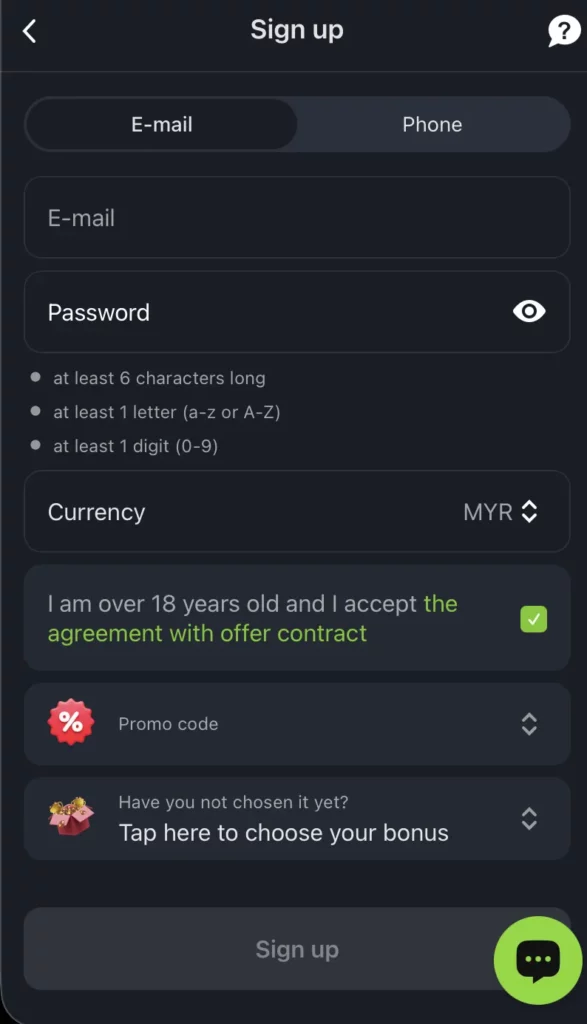
Login or Register Directly in the App
If you are a new player, you don’t need a computer to get started. The app features a full registration suite. Simply enter your phone number, set a password, choose your currency (SGD, MYR, etc.), and verify your identity via SMS. For existing members, your desktop credentials work perfectly on the app.
Key Features of the PlayDash App
The app’s interface is designed with a “Mobile-First” philosophy, prioritizing thumb-friendly navigation and high-contrast visuals.
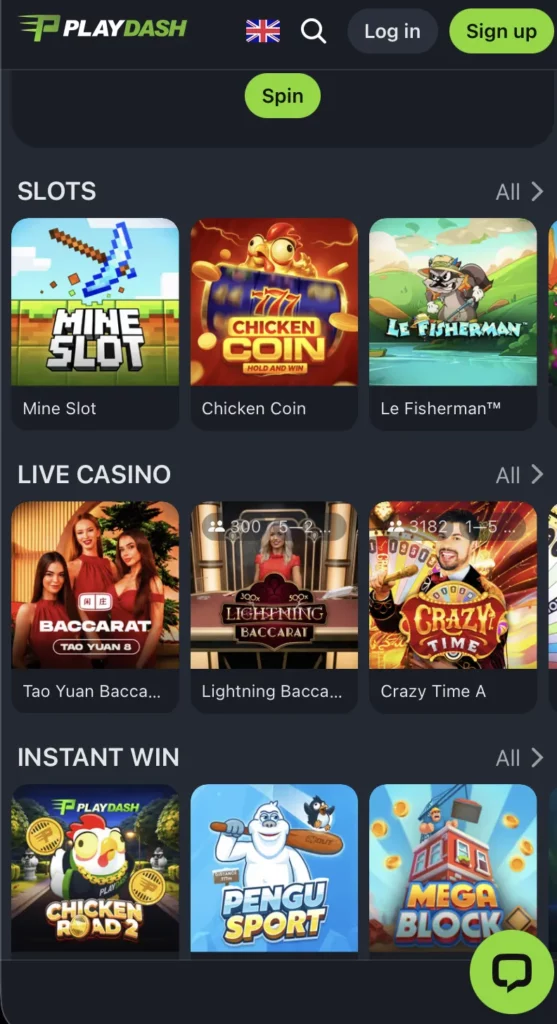
Slot Games, Live Casino, and Arcade Titles
The “Casino” tab is organized into intuitive categories. You can filter slots by provider (Pragmatic Play, JILI, SpadeGaming) or by feature (Megaways, Jackpots, Bonus Buys). The Live Casino section utilizes adaptive bitrate technology, meaning if your internet connection weakens, the app automatically adjusts the video quality to prevent the stream from freezing mid-bet.
Live Sports Betting and eSports Markets
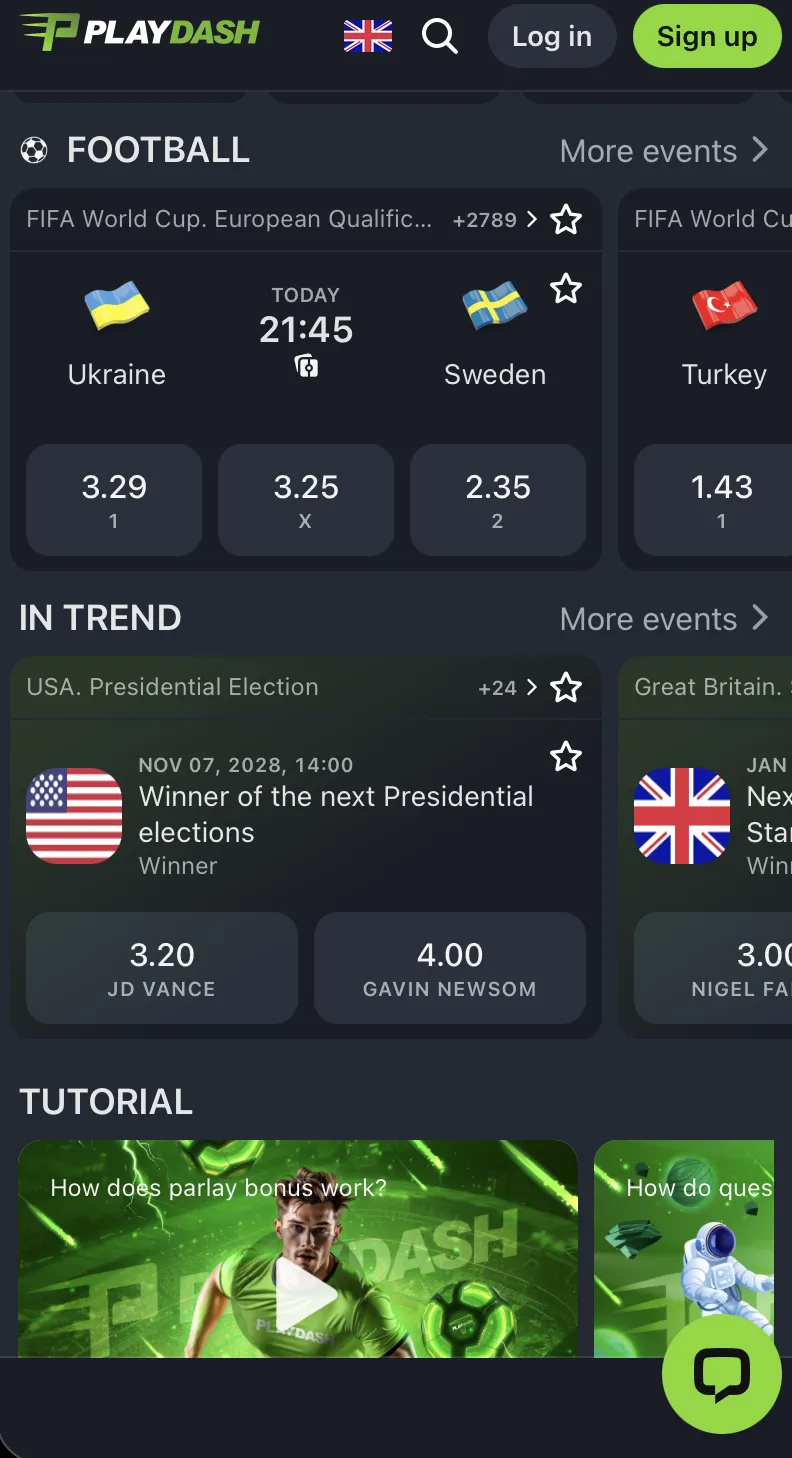
The “Sports” section features a condensed but powerful layout.
- Quick Bet: Place a wager with just two taps.
- Live Match Tracker: View real-time pitch animations and ball possession stats without leaving the betting slip.
- eSports Hub: A dedicated zone for CS2, Dota 2, and Valorant, featuring live odds that update every second.
Mobile Lottery and Number Games
For fans of traditional Asian gaming, the app includes a dedicated portal for 4D Lottery, Keno, and 5D draws. You can purchase tickets and check historical draw results instantly from the app’s dashboard.
Mobile Bonuses and Promotions
Using the PlayDash App unlocks a specific layer of rewards designed to enhance your mobile bankroll.
Welcome Bonus for New App Users
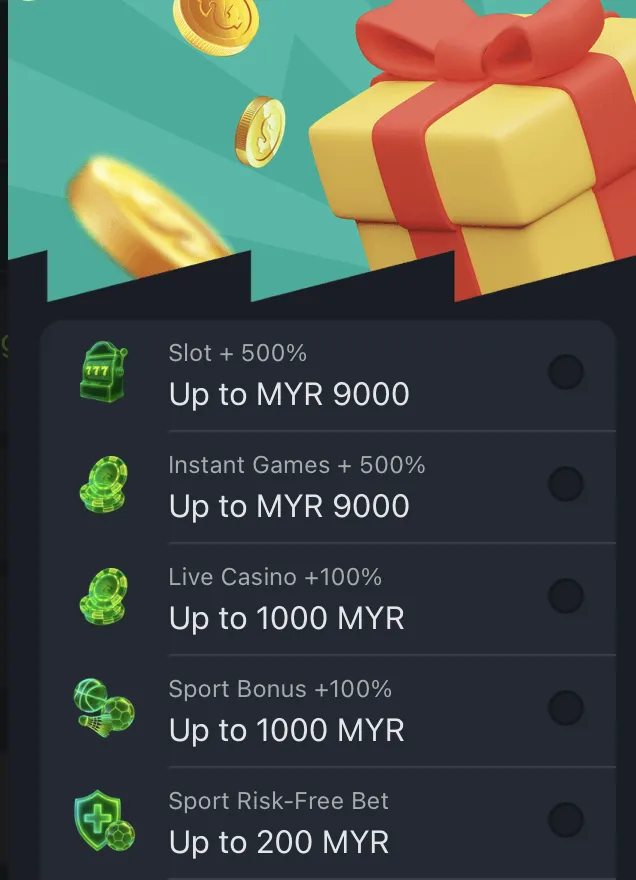
New players who register and make their first deposit through the app are eligible for the standard 100% Welcome Bonus (up to SGD 500 / MYR 1,000). Additionally, look out for “App-Install” bonuses—small free credits given just for downloading and logging into the application for the first time.
Cashback Offers, VIP Rewards, and App Events
- Weekly App Cashback: A percentage of your mobile losses is returned every Monday.
- VIP Synchronization: Your VIP status is synced across all devices. Any bet you place on the app contributes to your rank progression.
- Flash Missions: Complete daily “App Missions” (e.g., “Play 20 spins on a specific slot”) to earn instant rewards like Free Spins or Loot Box keys.
Claiming and Managing Bonuses in the App
The “Rewards” tab in the app allows you to track your bonus progress. You can see a live progress bar showing how much turnover is remaining before you can withdraw your bonus winnings, providing total transparency.
Banking Options in the PlayDash App
Financial management is the backbone of the PlayDash mobile experience. The app functions as a secure digital wallet.
Instant Deposits via E-Wallets and Crypto
PlayDash supports a wide variety of localized and global payment methods:
- Local E-Wallets: GrabPay, Touch ‘n Go, Boost.
- Online Banking: Instant transfers via SurePay and FastPay.
- Cryptocurrency: Securely deposit USDT, BTC, or ETH by scanning a QR code directly from your crypto wallet app.
Fast Withdrawals and Daily Limits
Withdrawals via the app are prioritized by the finance team.
- Processing Time: 15 minutes to 24 hours (depending on the method).
- Limits: VIP players enjoy significantly higher daily withdrawal caps, which can be managed directly through the app’s settings.
| Method | Speed | Min Deposit | Security Level |
| E-Wallet | Instant | $30 / RM 50 | High (Biometric) |
| Online Banking | < 5 Mins | $30 / RM 50 | High (Bank Encrypted) |
| Crypto | < 20 Mins | Variable | Ultra (Blockchain) |
Security Features: SSL Protection and Account Verification
The PlayDash App uses the same 256-bit SSL encryption as the desktop site. Furthermore, the app includes “Device Binding,” meaning your account can be locked to your specific smartphone, preventing unauthorized logins from other locations.
PlayDash App Customer Support
Help is always a single tap away. The “Support” icon is permanently docked in the bottom menu for quick access.
In-App Live Chat, Messaging, and Email Support
- Live Chat: Connect with a human agent in under 60 seconds.
- WhatsApp/Telegram: The app can launch these messaging platforms directly to connect you with a dedicated VIP manager.
- Email: Send logs or screenshots for technical issues to [email protected].
Troubleshooting: Updates, Login Issues, and Errors
If you encounter a “Login Failed” or “App Not Loading” error, try the following:
- Clear Cache: Go to app settings and clear the temporary data.
- Update Check: Ensure you are using the latest version of the APK. The app will usually prompt you to update automatically.
- VPN Status: If you are traveling, ensure your VPN is set to a supported region to avoid access blocks.